
Import & export hub
July 15, 2026
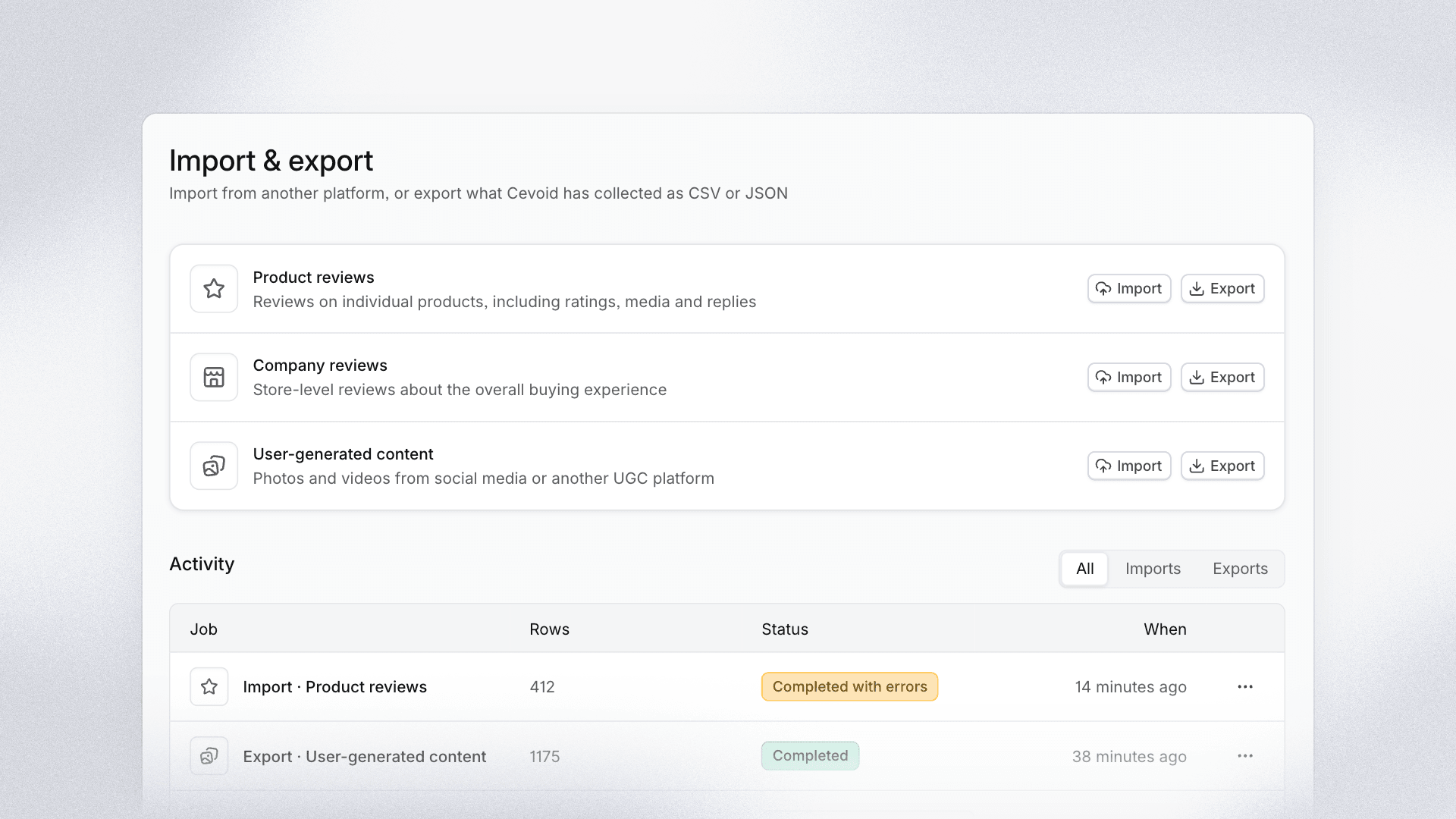
Settings now has an Import & export hub: one place to bring content into Cevoid from another tool, export what Cevoid has collected, and follow every job from start to finish.
UGC is the first data type you can move both ways on your own. Moving photos and videos from another tool into Cevoid no longer needs our team, and the content you collect in Cevoid is never locked in.
What's new
- Guided imports: Upload a CSV, check the suggested column mapping, and preview the first rows with errors, warnings, and skipped duplicates flagged before you start. Keep several drafts and start each one when you are ready.
- Every job in one list: Imports and exports show live progress, and each one opens into a detailed view with a downloadable report of the rows that could not be imported, so nothing goes missing silently.
- UGC import: Only a media URL is required. Tag products by SKU, GTIN, MPN, product ID, or product URL, give each carousel slide its own products, and mark brand posts as your own content. Posts that already exist in Cevoid, from an earlier import or from your Instagram and TikTok sync, are skipped.
- UGC export: Export as CSV or JSON for any date range, including views and clicks per post. The file follows the import template, so it can be imported again unchanged.
- Personal data stays protected: Export previews mask creator names and handles, and you confirm before creator details are included in the file.
Imported posts land in your Inbox for review unless the file sets a status. A downloadable template shows every column the import understands.
Get started in Settings › Import & export.