
Products and Orders pages
June 17, 2026
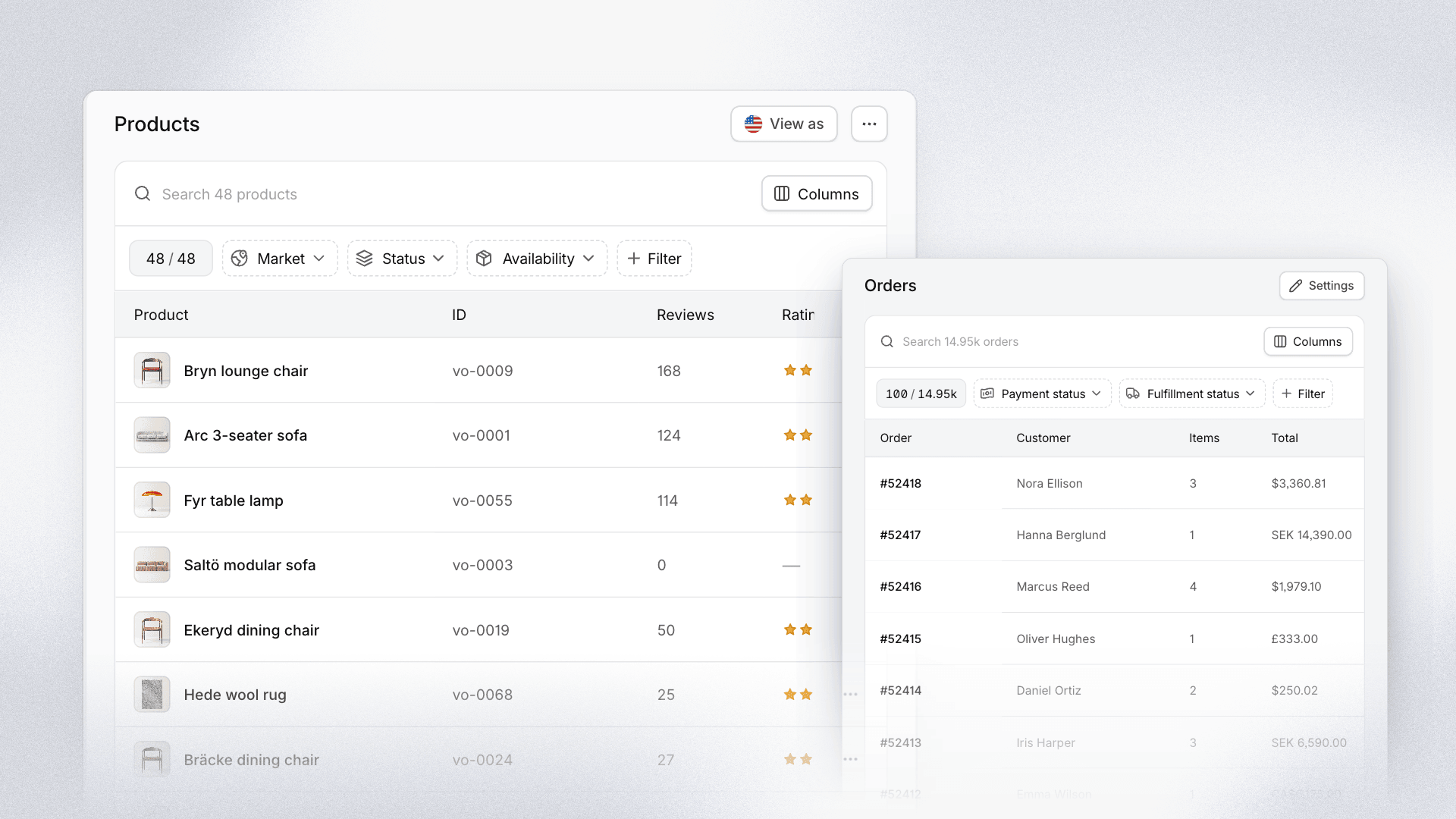
Your commerce data now has two dedicated pages in Cevoid. The rebuilt Products page lets you search, filter, and inspect your whole catalog market by market, and Orders shows every order from your connected stores, linked to the profile that placed it.
Until now, products mostly appeared when you tagged them, and orders only showed up indirectly, as points on a profile or a purchase in a Loyalty view. Now both have a home of their own.
Products
- View as any market: Pick a market at the top of the page to see status, availability, price, and product URL the way shoppers in that market see them.
- Search that finds it: Search by title in any market, variant name, category, collection, brand, SKU, GTIN, barcode, or MPN, with the best matches first, even in large catalogs.
- Filters and sorting: Filter by status and availability in the selected market, and sort by title, date created, or UGC.
- Product pages: Open a product on each market's storefront, see every variant once with its options and UGC count, and skip the wait, since product pages start loading as you hover the list.
Orders
- Every order in one table: Filter by payment status, fulfillment status, date, and market, and step from one order to the next in the detail view.
- The full picture per order: See the market, currency, status, and store order ID, the loyalty points and rewards connected to the order, and open it in your store with one click. Statuses use the same wording as Shopify.
- Orders on profiles: Every profile has an Orders tab listing the orders that customer placed.
- History and sync status: Import past orders from Shopify or WooCommerce, and see whether orders are arriving for each store and market. On other platforms, a guide walks you through sending orders through the Cevoid API.
Find Products and Orders in the sidebar, and check your order setup in Settings › Orders.